





Move the cursor freely
Move and edit naturally, just like in a text editor.
A beginner-friendly terminal workspace for terminal sessions, AI agents, file management, code editing and running, Git, image processing, and more — native, free, and open source.
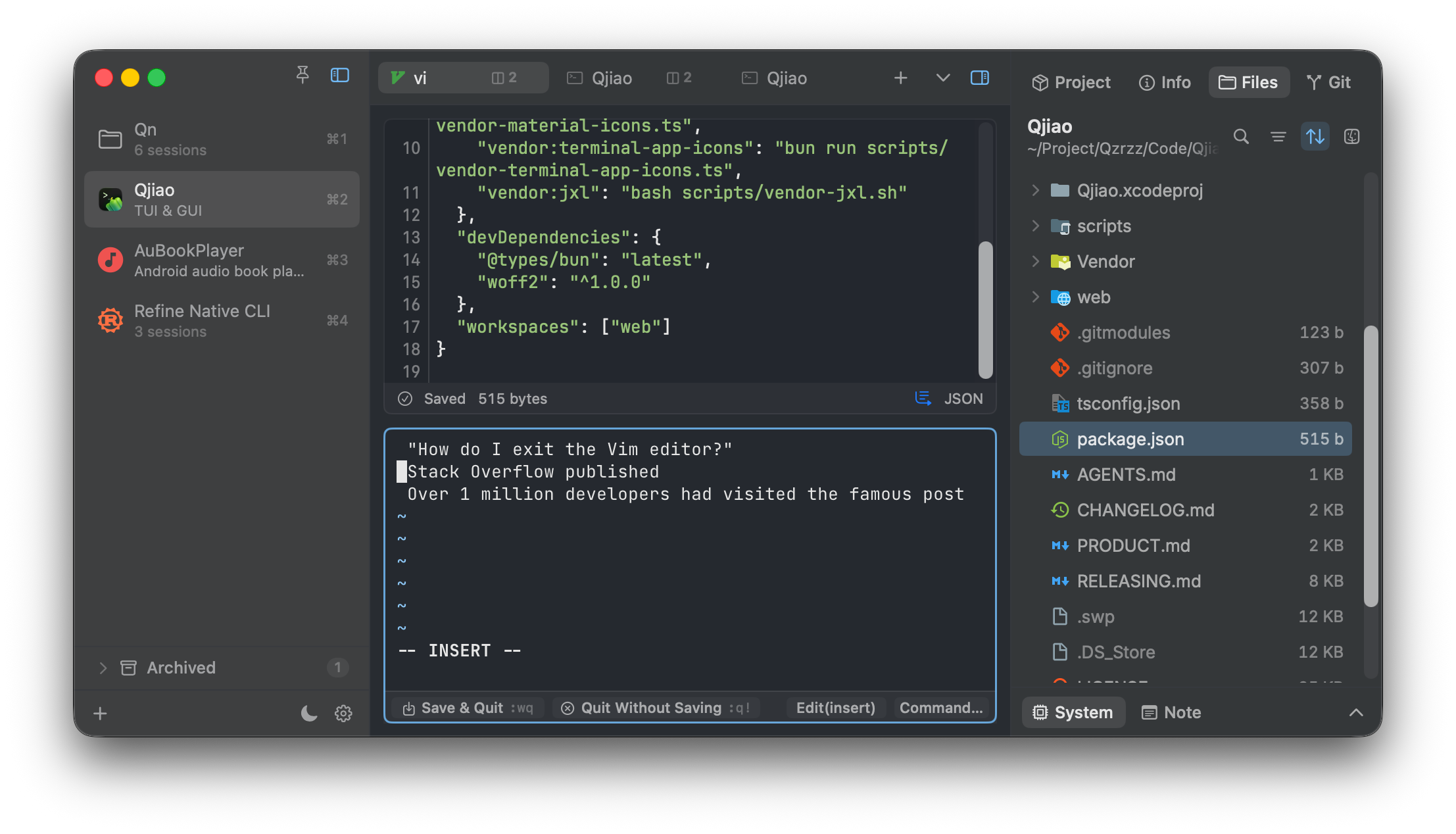
Move and edit naturally, just like in a text editor.
Get everything done without leaving your terminal workspace — CLI, AI agents, file management, and Git.
Use multiple tabs and panes to let several AI agents work together.
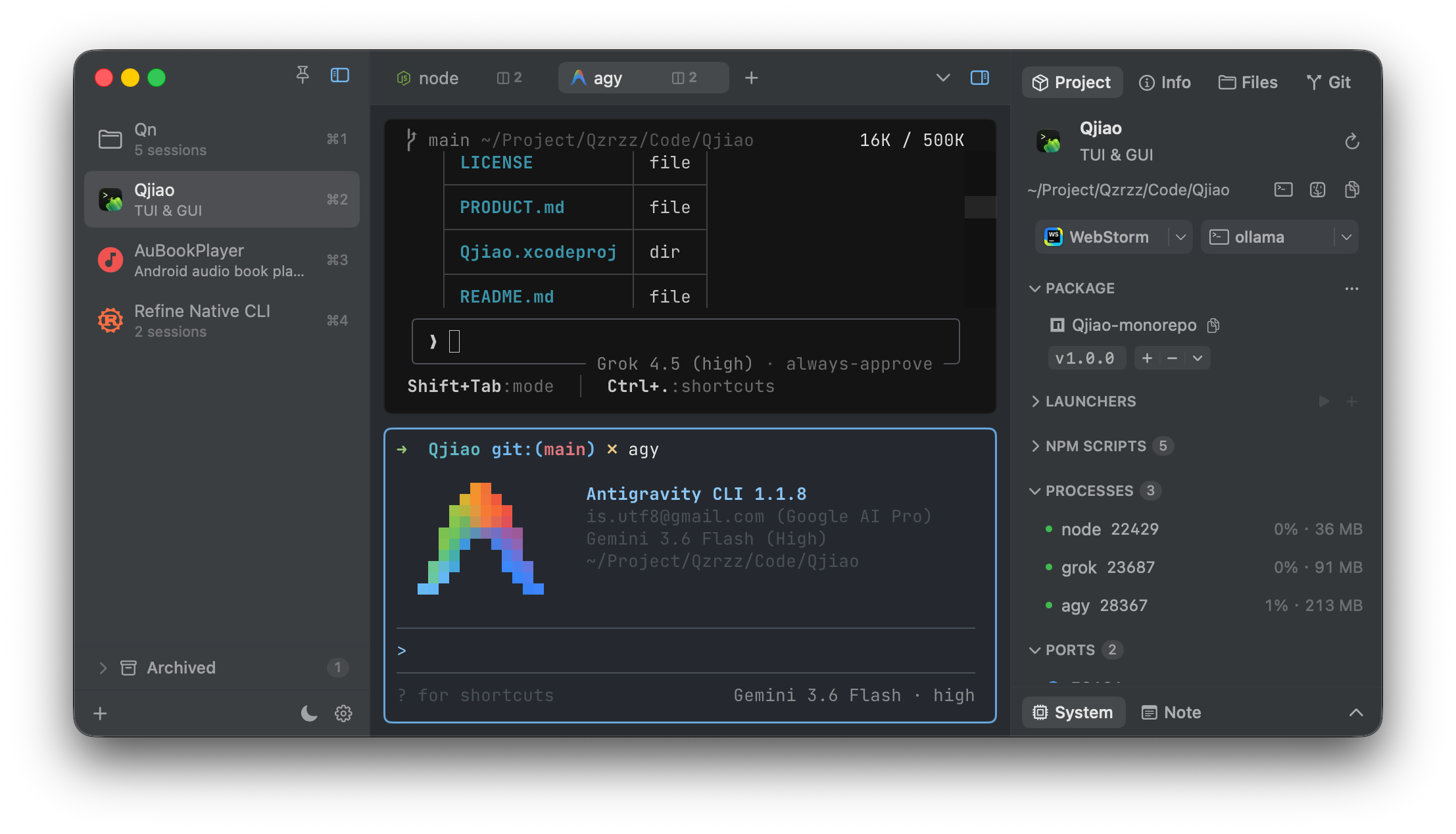
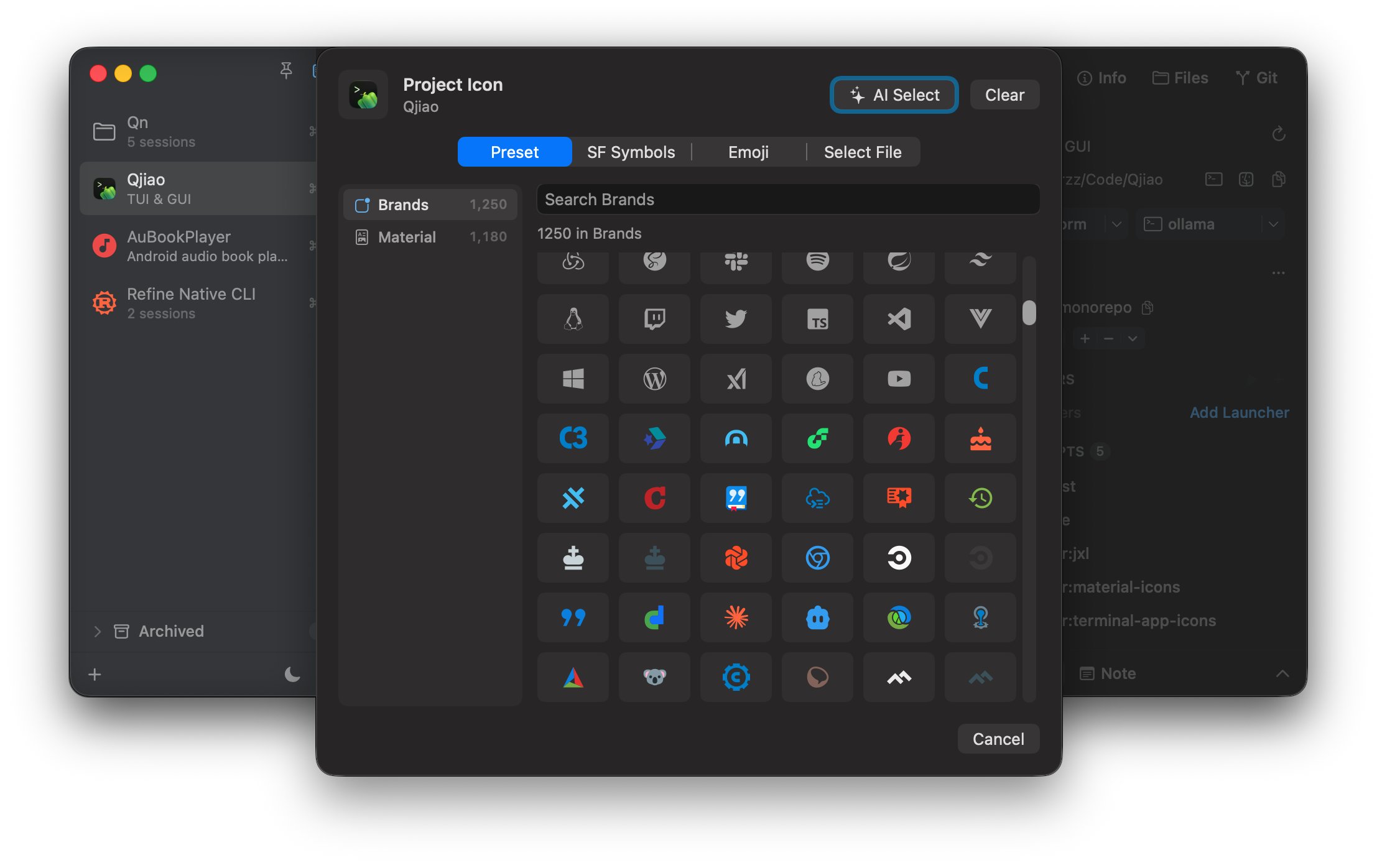
Distinguish projects at a glance with custom icons, names, descriptions, and color themes.
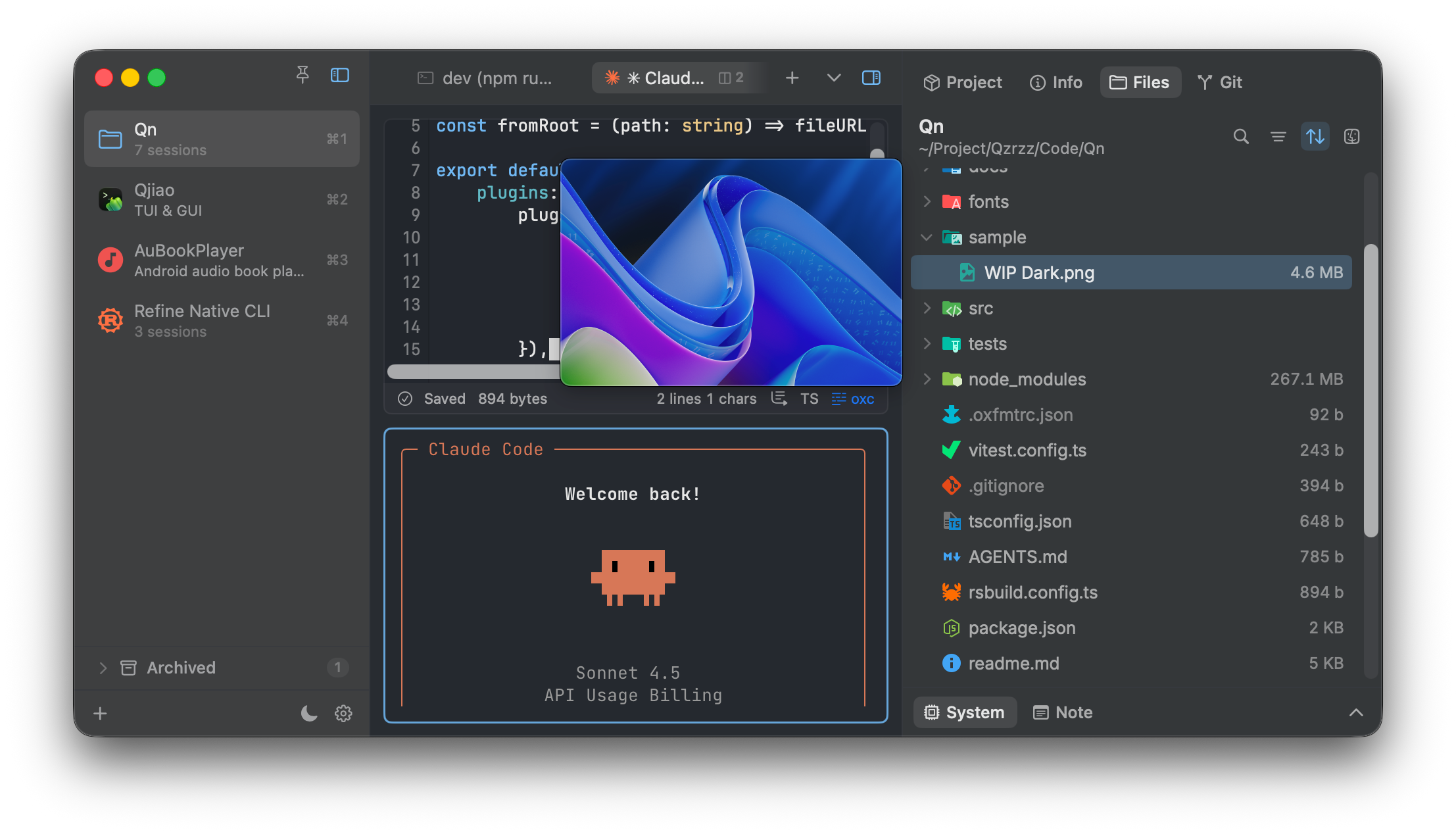
Manage files right next to your terminal, with type icons, file sizes, keyboard navigation, image previews, and Spacebar Quick Look.
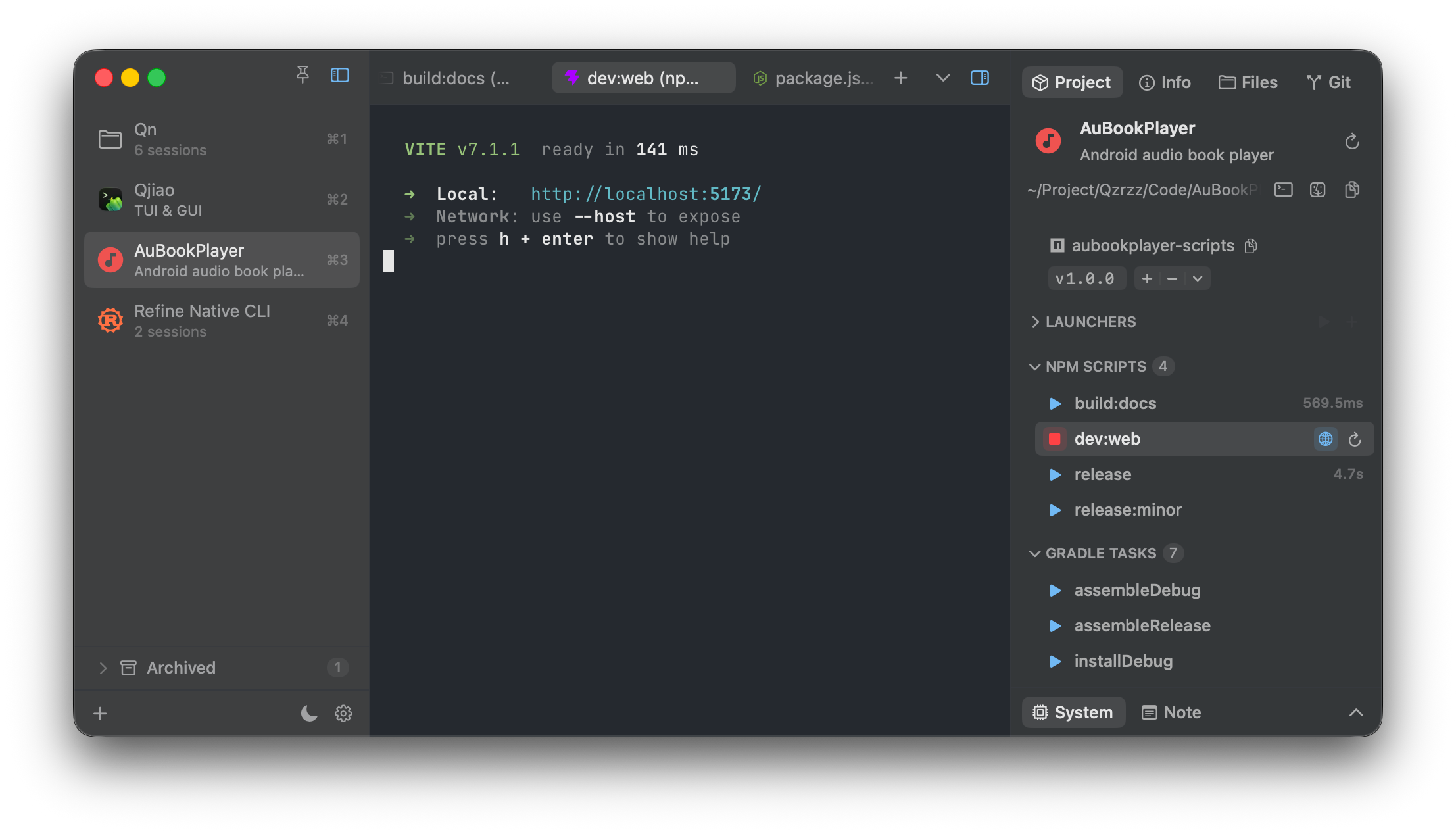
Run NPM Scripts, Gradle Tasks, Cargo, and CMake commands visually with one click.
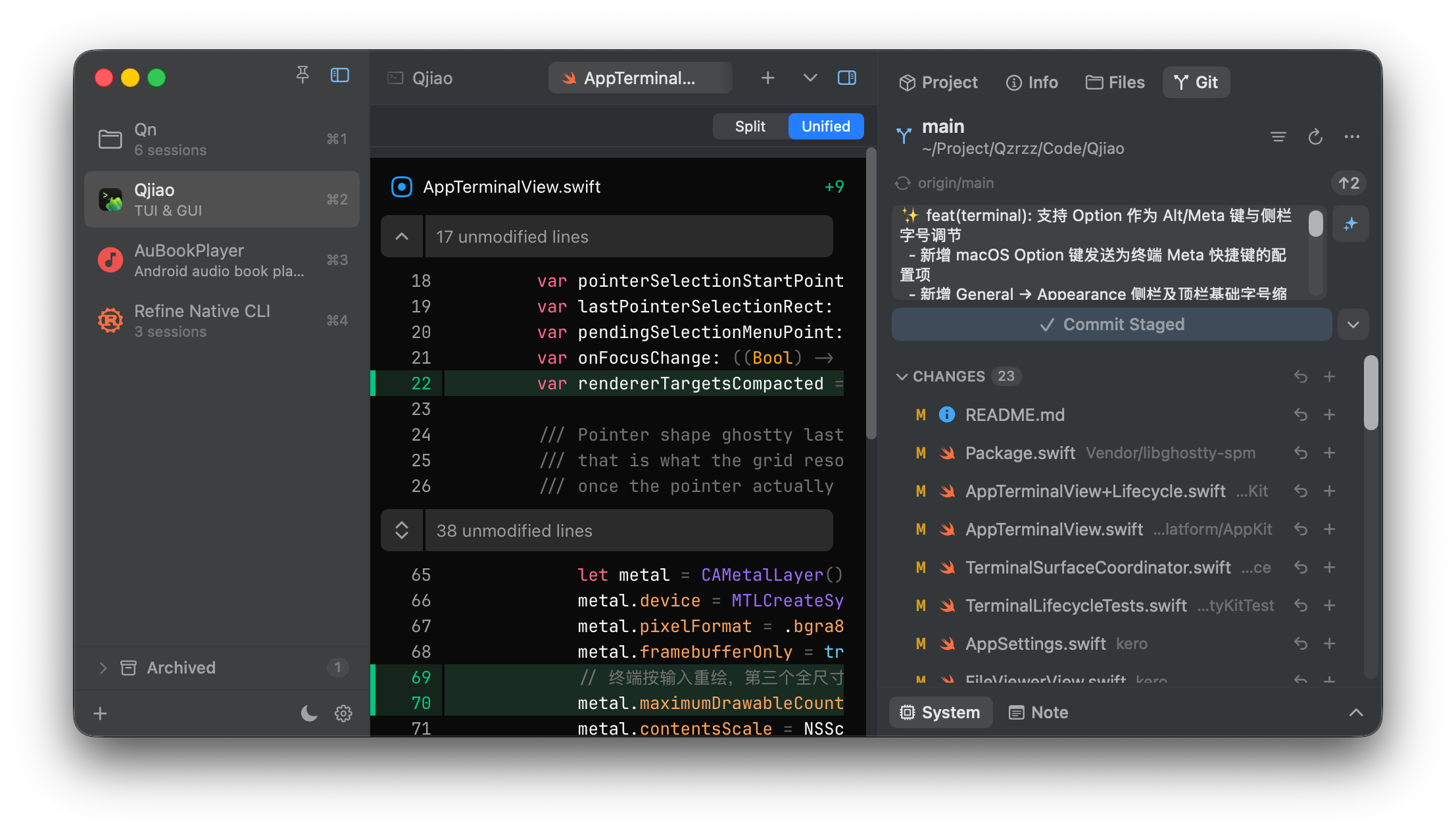
Visualize common Git operations and generate commit messages with one click.
Powered by a local Agent CLI, with no API key required.
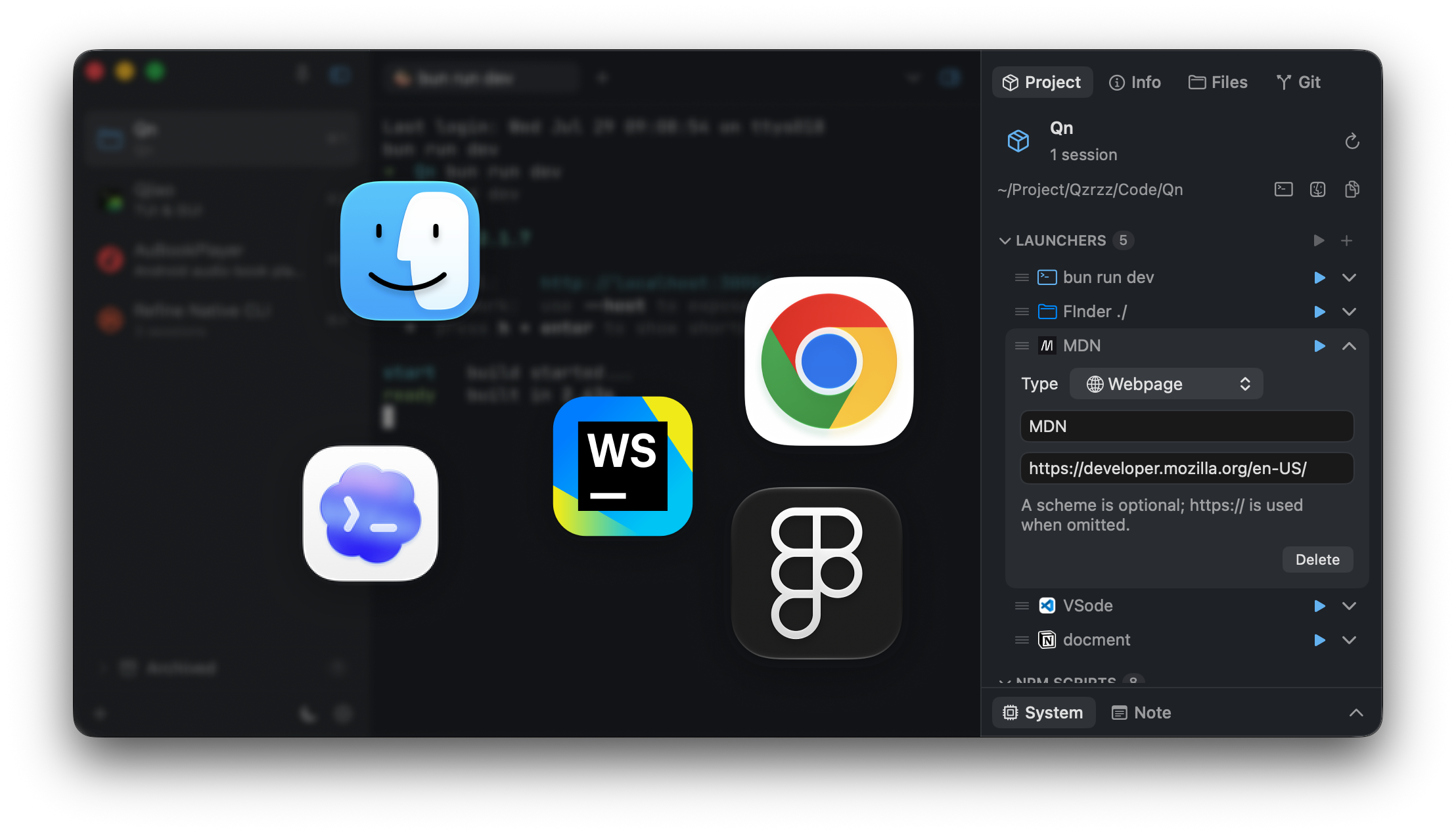
Start the tools your project needs quickly.
Launch apps, docs, terminals, or open folders with one click.
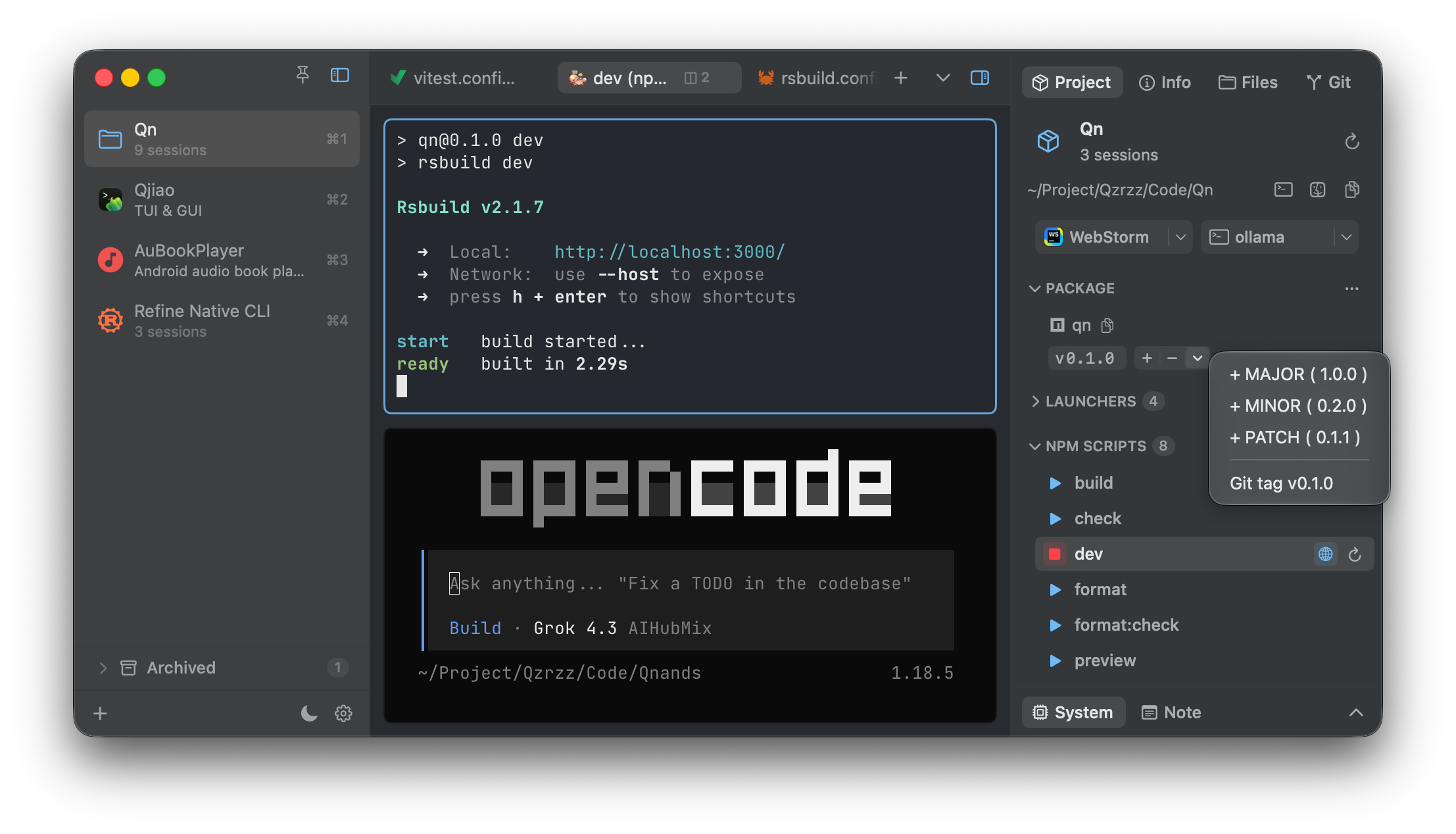
Building a web project? You’ll love these features.
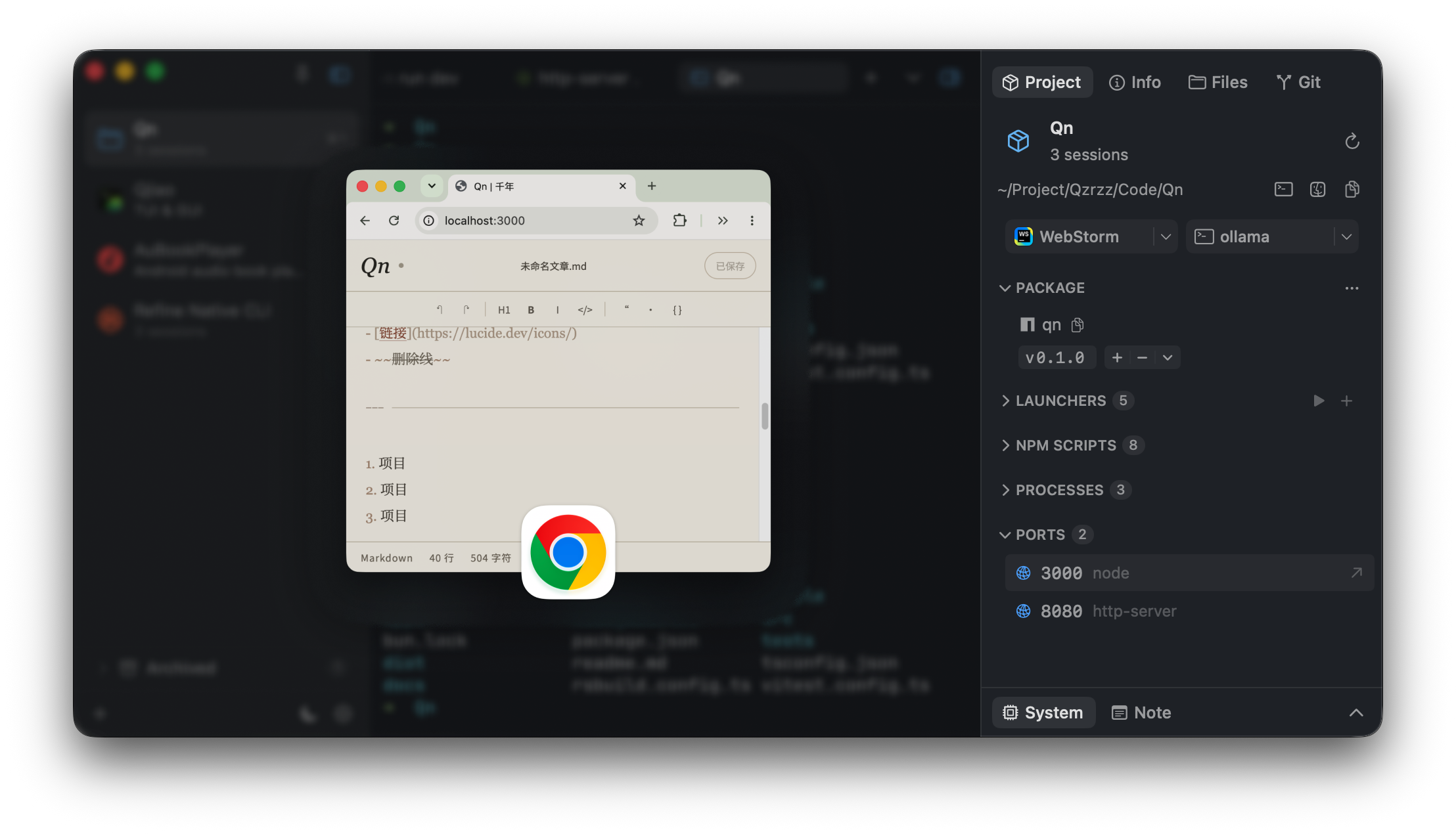
Quickly edit dependency versions, detect NPM Scripts, and discover development server ports.
Know where your services are running at a glance.
Ports and preview links, all in one place.
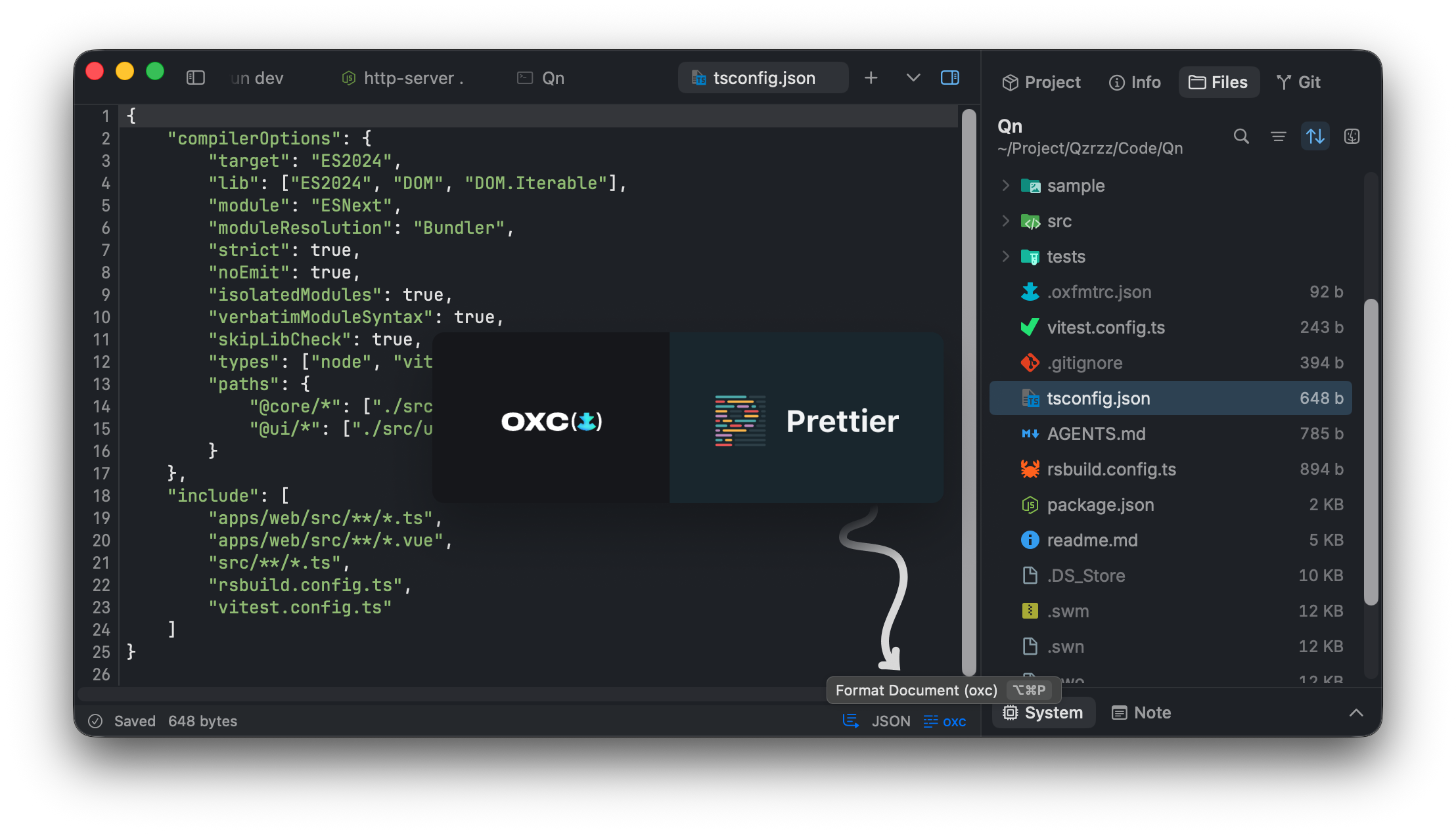
Built-in support for formatting code with oxfmt and Prettier.
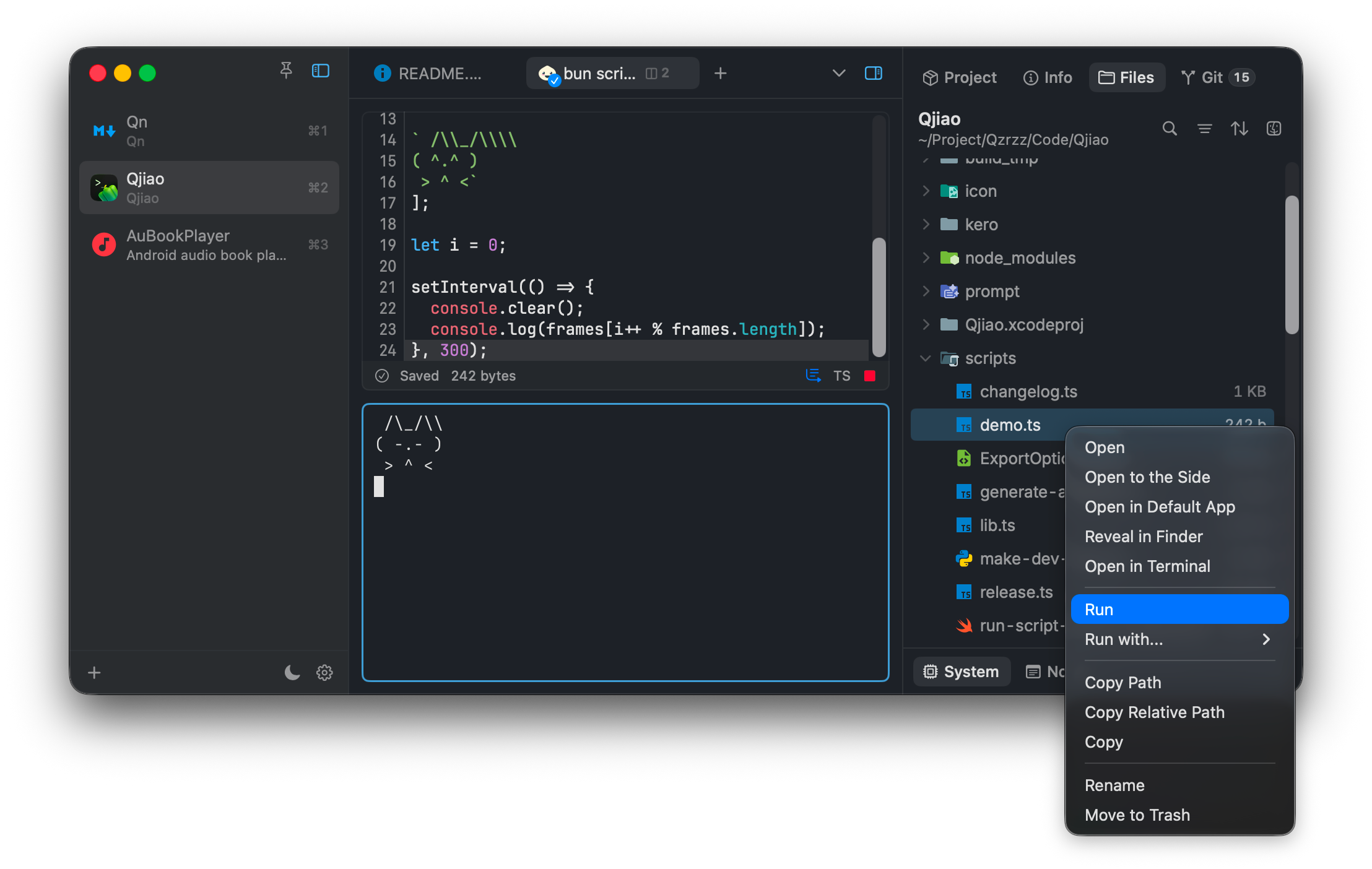
Run TS, JS, Python, Go, and Rust files with one click.
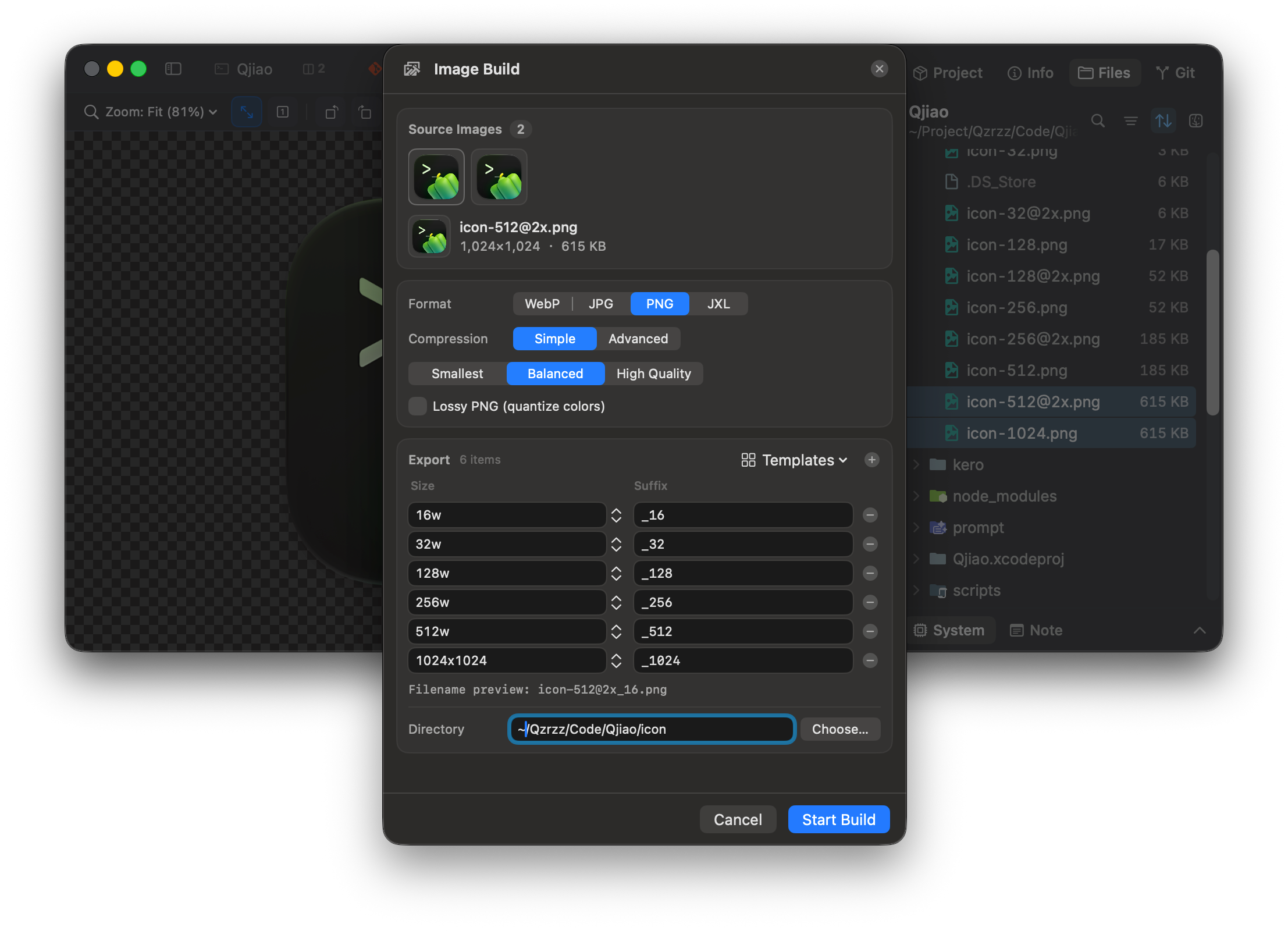
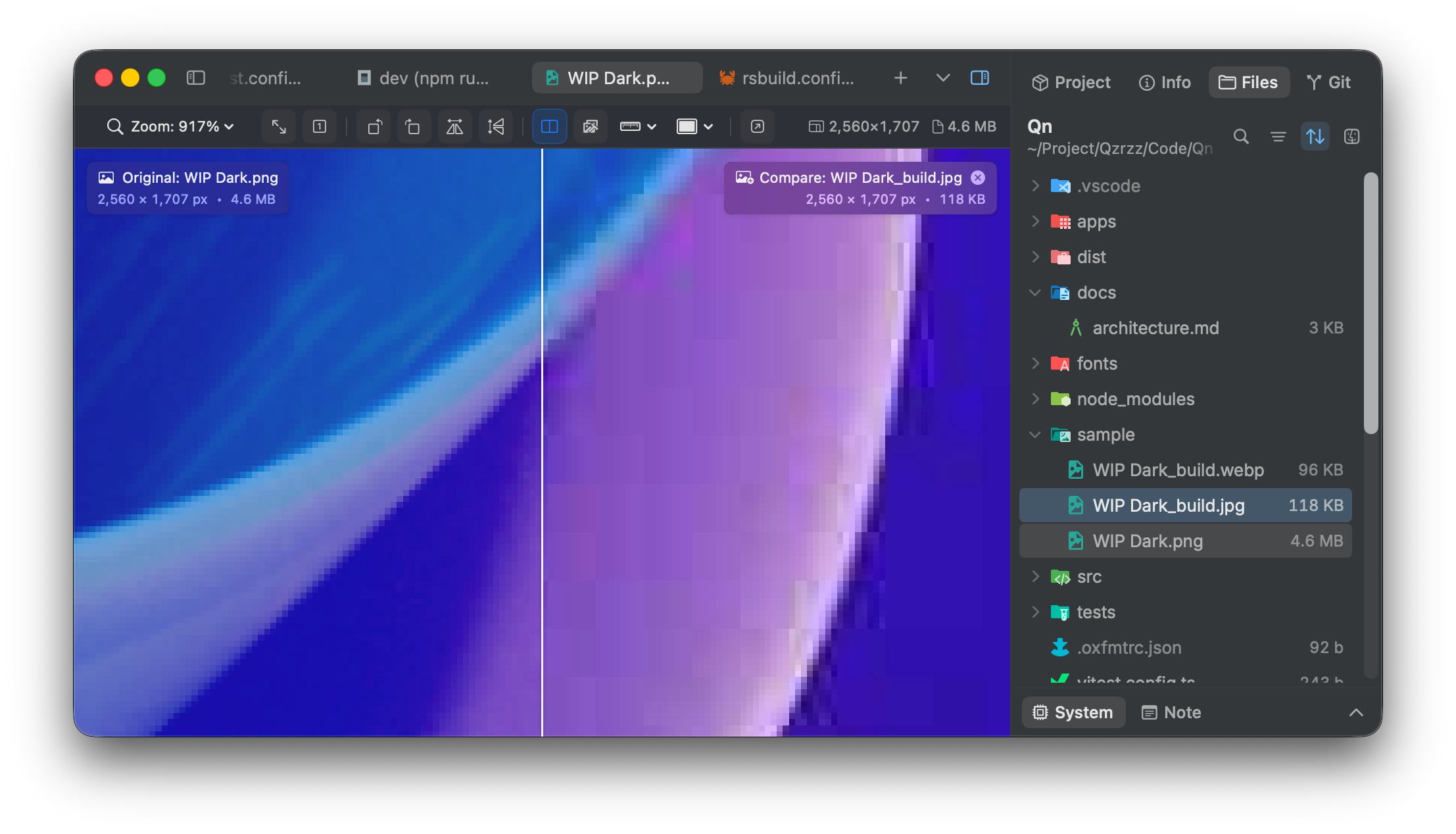
A full-featured image viewer with metadata, rulers, pixel inspection, comparison mode, and more.
Compress, resize, and convert images with design-tool-grade export controls.